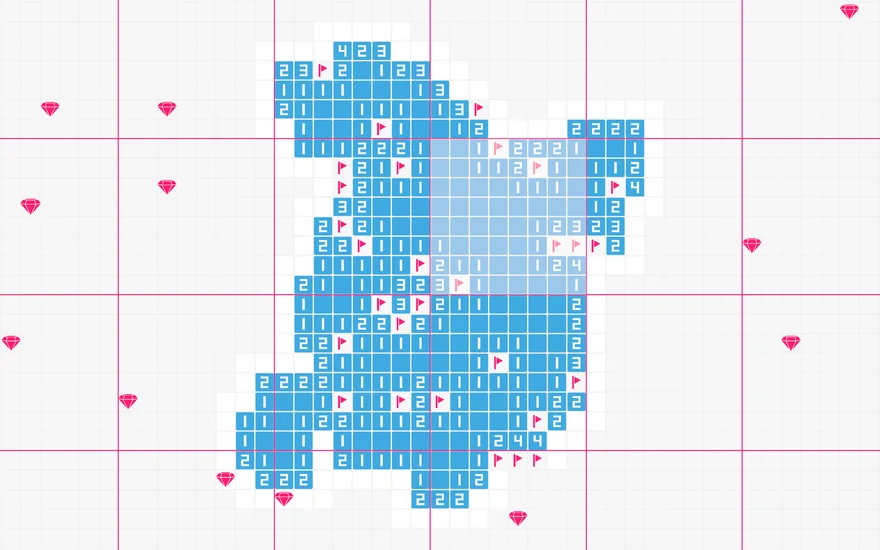
Minesweeper, made endless
The traditional grid becomes the building block of a huge, connected world. Clear 8×8 sectors to push back the fog — every win adds to a map that stretches as far as your logic can take you.
Free on Android & iOS
The classic puzzle you know, expanded into a boundless world. One map, infinite logic and zero game overs — solve your way through an endless grid, one sector at a time.


About the game
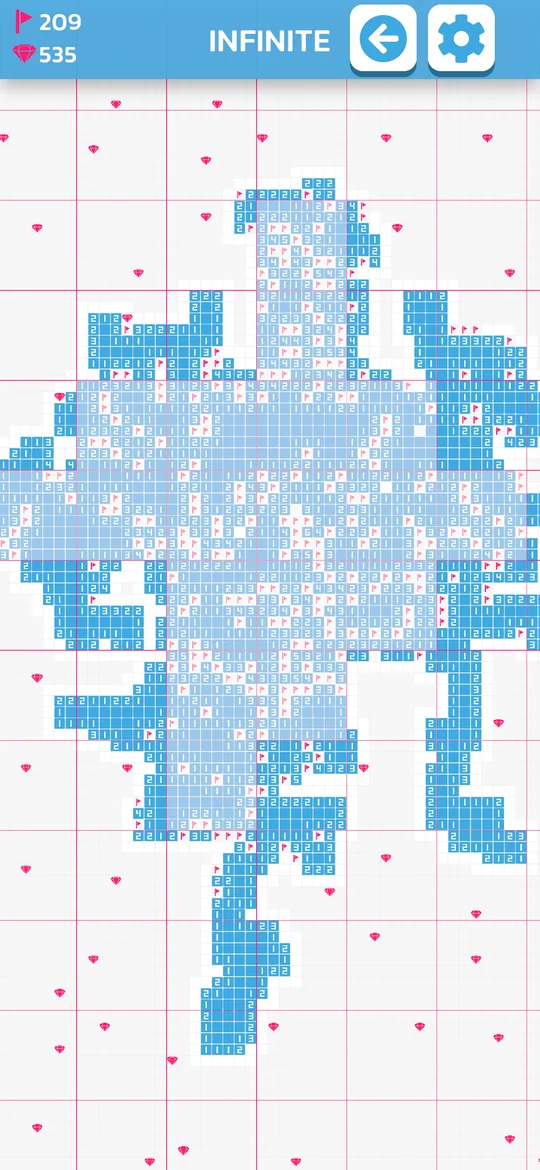
Infinite Minesweeper keeps the rules you know and removes the borders. Every sector you clear makes your map a little bigger.
The traditional grid becomes the building block of a huge, connected world. Clear 8×8 sectors to push back the fog — every win adds to a map that stretches as far as your logic can take you.
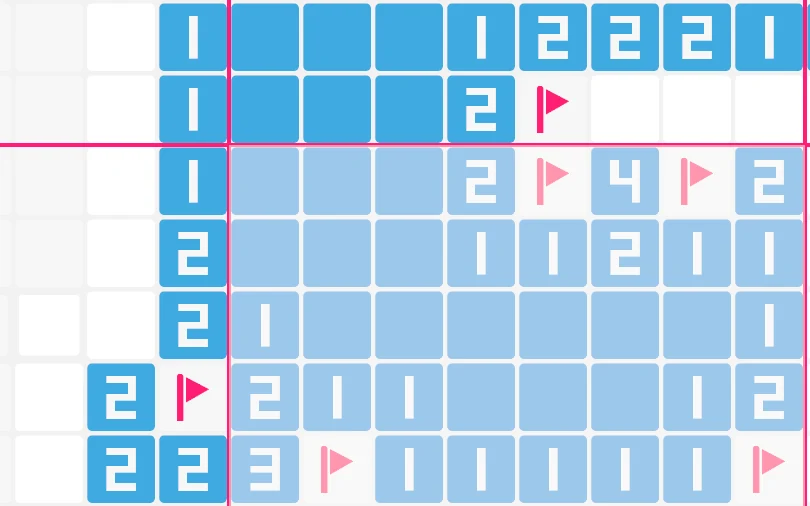
Solve a sector by flagging every mine correctly — the perfect counter to 50/50 traps. Hit a mine and the sector locks instead of ending your run. Solve the areas around it to win it back.
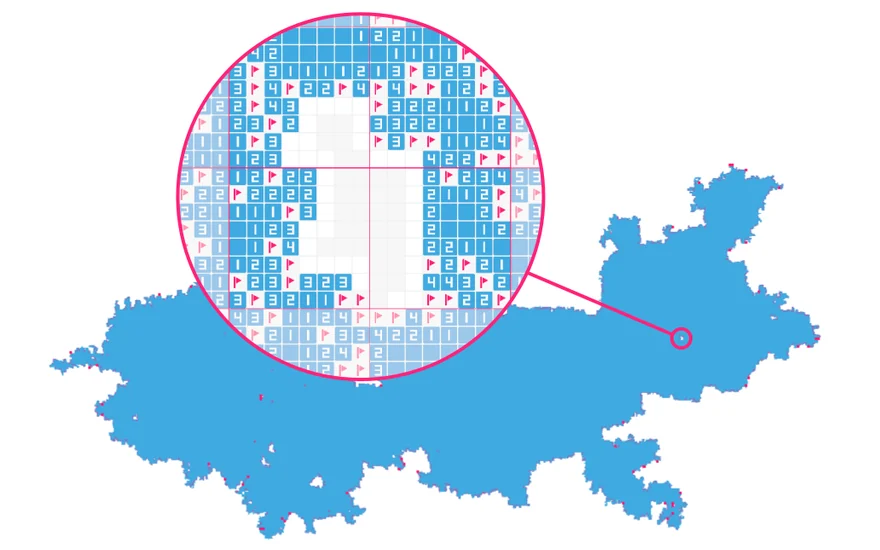
What began as a solo passion project now has over 2 million downloads. GRYKUBY keeps it growing with global leaderboards, challenges and new rewards.
Gallery
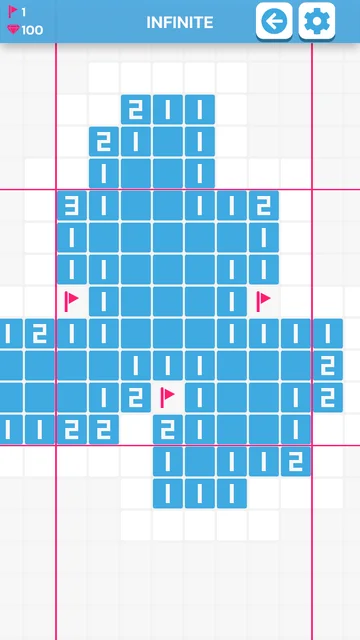
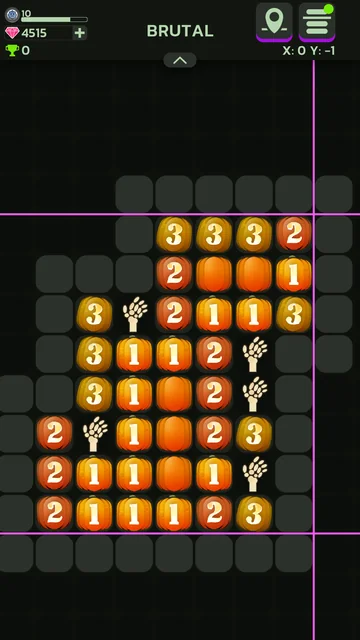
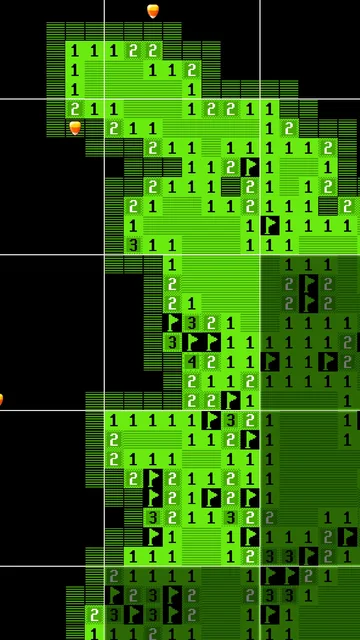
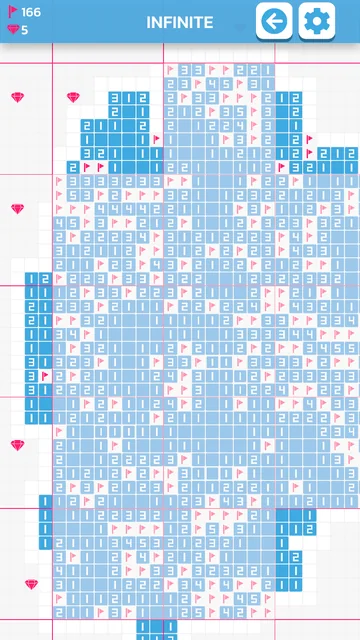
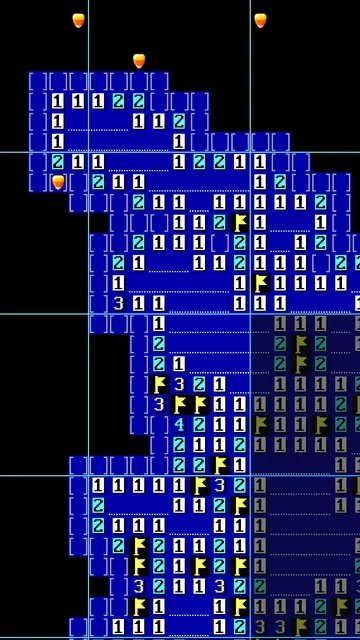
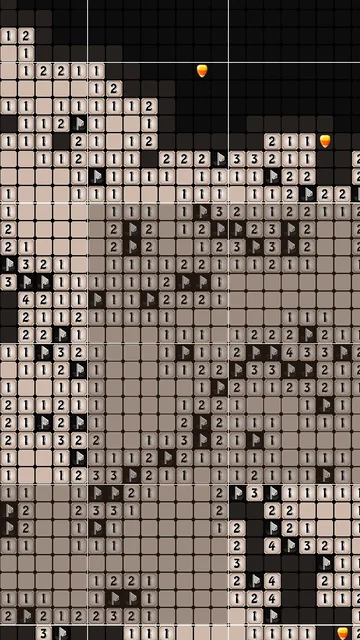
Clean visuals, smooth animations and a focus on pure gameplay — the perfect companion for a short break or a long session.
 Hardcore
 Leaderboards
 Achievements
 Gems
FAQ
Can’t find your answer? Ask the community on Discord or send us an email.
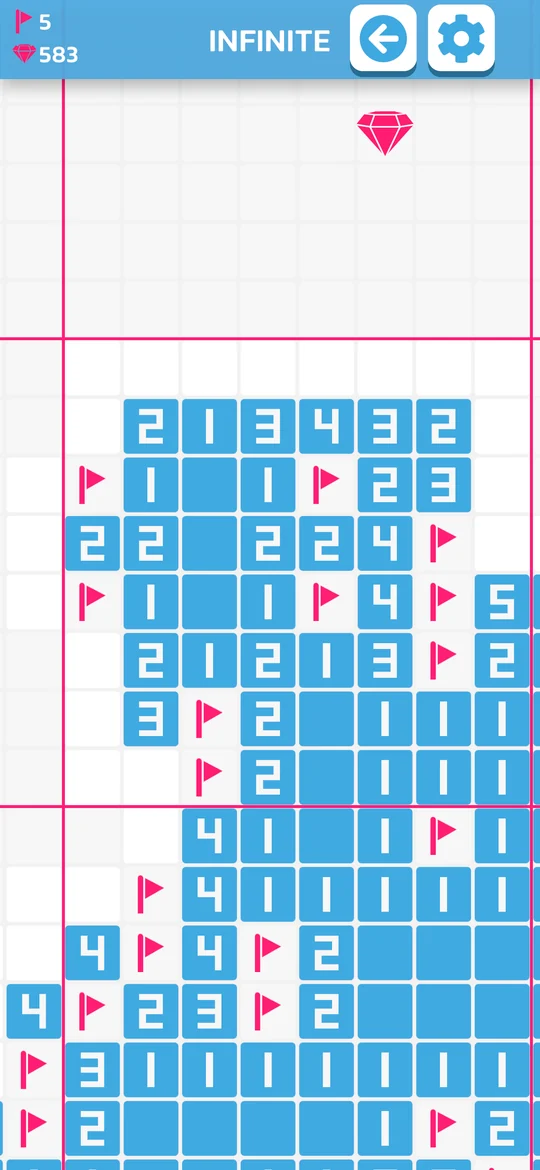
The rules are based on classic Minesweeper. Open tiles to reveal numbers, use those numbers to work out where the mines are, and place flags on suspected mines. Each sector is an 8×8 grid.
You can solve a sector in two ways: by opening all safe tiles, or by flagging all mines correctly. Just make sure you do not flag any safe tiles.
Because sectors can be solved by flagging all mines, you can test possible flag combinations when you encounter a 50/50. If all mines are flagged correctly and no safe tiles are flagged, the sector will be solved.
The sector becomes locked instead of ending the whole game. You can unlock locked sectors by solving the sectors around them, or by using available unlock options such as rewarded ads or gems.
Yes. If multiple neighboring sectors are locked, you can unlock them by solving all of the surrounding sectors.
There is no normal gameplay limit to how large your minefield can become. Every game engine has technical limits, but you would need to explore extremely far from the center of the map before reaching them.
The easiest way is your phone’s built-in transfer tool when you set up a new phone. On Android you can also back up or move the com.grykuby.minesweeper folder in Android/Data — connect the phone to a PC and copy the folder with your file manager.
Already over 2 million downloads — get Infinite Minesweeper for free.